Monthly Calendar Template
This editable monthly calendar template works for any month: in the Excel version you type a year and a month number, and the calendar fills in the dates itself. The Word version is a printable monthly calendar grid you fill in by typing or by hand.
Excel template that fills in its own dates
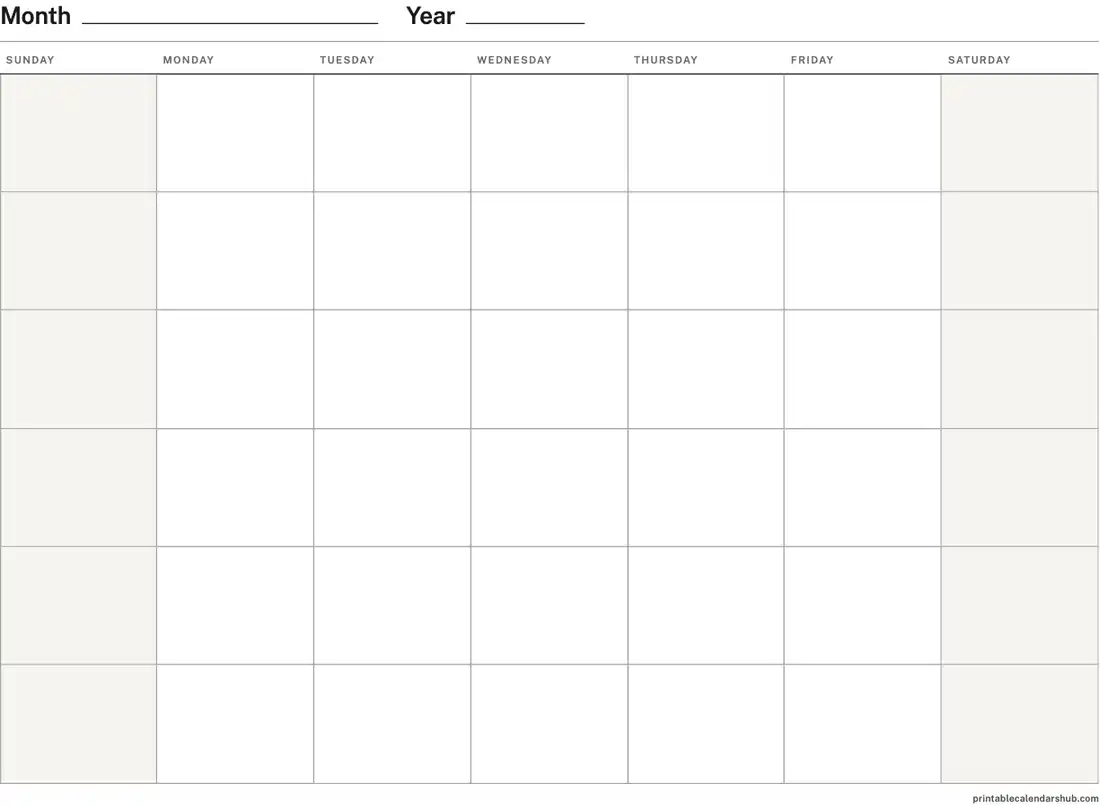
Word template to type into
How do I use the Excel monthly template?
To use the Excel template, type a year in cell B1 and a month number from 1 to 12 in cell E1. The title changes to that month's name, and the grid puts each date under the right weekday. For example, typing 2027 and 7 gives July 2027, which starts on a Thursday.
Under each row of dates is a tall row for notes. Type events there, so the date formulas stay intact. Save a copy for each month you need.
Google Sheets and Numbers
The template uses standard spreadsheet formulas (DATE, WEEKDAY, MONTH, DAY and CHOOSE) that Excel, Google Sheets and Apple Numbers all support. We tested it in Apple Numbers, where changing the year or month updated every date. In Google Sheets, upload the file to Drive and open it with Google Sheets.
Filling in the Word template
To fill in the Word template, type the month and year on the top line, then type a date number in each box. The boxes have a fixed height, so long notes are cut off instead of pushing the calendar onto a second page. The file is landscape and set to print on one page.
How do I print the monthly template on one page?
To print on one page, keep the file's own page setup: landscape, fit to one page, with the paper size in the file name. In Excel, the print area already covers the title and the full grid. After converting to Google Sheets or Numbers, check the print preview before printing.
Dated monthly templates
The dated Word and Excel files already show the dates and US federal holidays for each month. Find them by year:
- 2027 calendar templates for Word
- 2027 calendar templates for Excel
- 2028 calendar templates for Word
- 2028 calendar templates for Excel
Monthly calendar template FAQ
Does the Excel template show holidays?
No. Holidays change from year to year, so the self-filling template shows dates only. The dated files on the Word and Excel pages include US federal holidays.
Can the week start on Monday?
Yes. Both the Excel and Word templates come with a Sunday or Monday week start.
What happens if I type 13 in the month cell?
The month cell only accepts whole numbers from 1 to 12, and the year cell accepts 1900 to 2100.
Can I build a calendar online instead?
Yes. The calendar maker builds printable calendars for any months, with holidays, week numbers and your own events.
Related
Last updated